Next-gen agentic development
Build an AI-native software team in one app.
Manage all your Claude Code sessions in a familiar ticketing interface, and customize agents to your workflow and preferences so work gets done exactly the way you want.
How it works
From an idea to an agent at work, in four steps.
-
1Create a project and a ticket
Say what needs doing and what done looks like.
-
2Define your workflow and preferences
Write the stages an agent follows and the rules it keeps, in plain words.
-
3Drag tickets across your board
Drop a ticket into a column with a workflow and a Claude Code session starts on your computer.
-
4Watch it work in the built-in terminal
Sessions run on your own Claude Code subscription. Follow along or step in from the terminal built into the app.
Runs on the Claude Code subscription you already have
Every session is the terminal Claude Code you already know, with its full power, signed in to your own account and open in a terminal right inside the app.
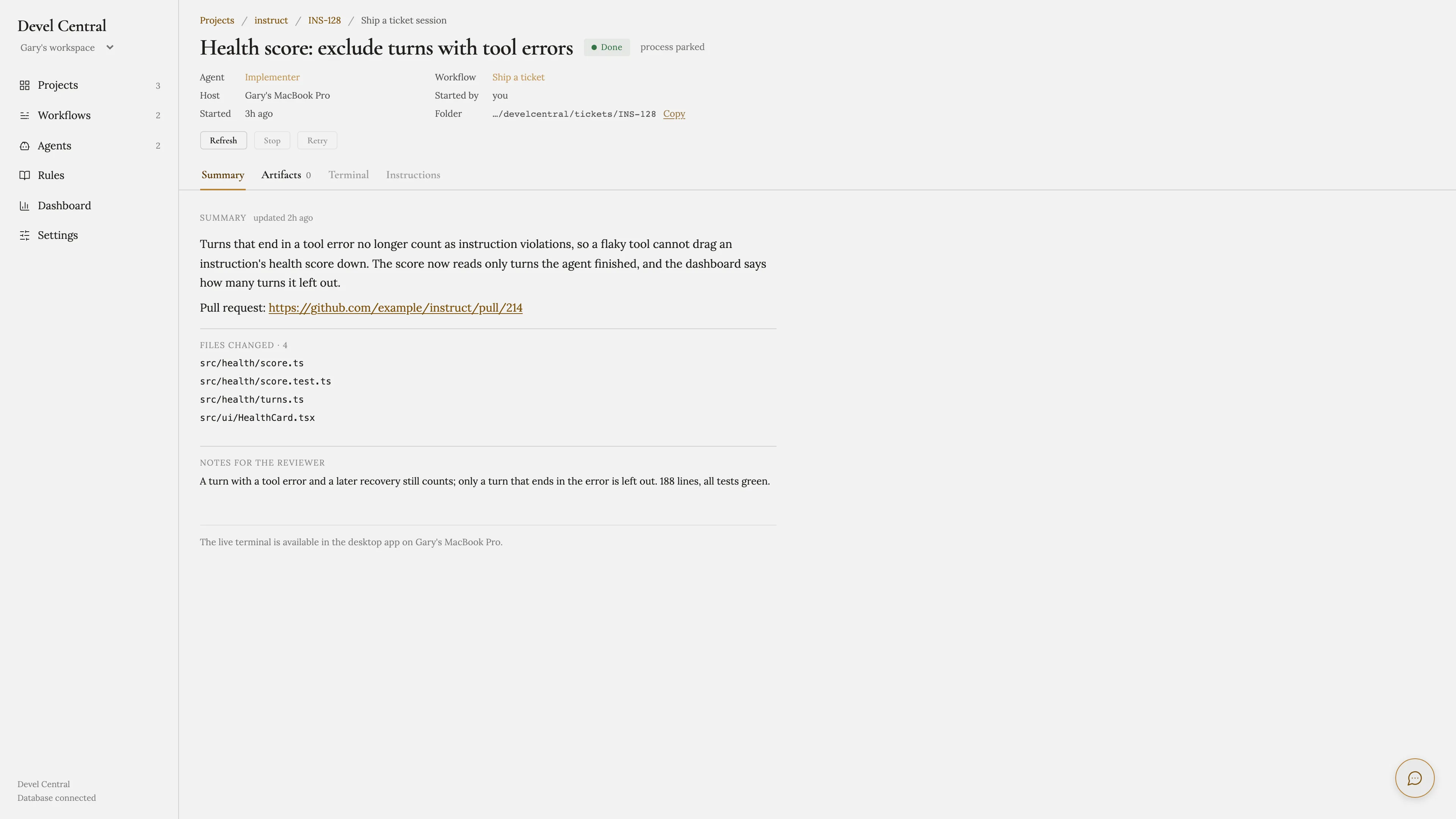
Every column works your way
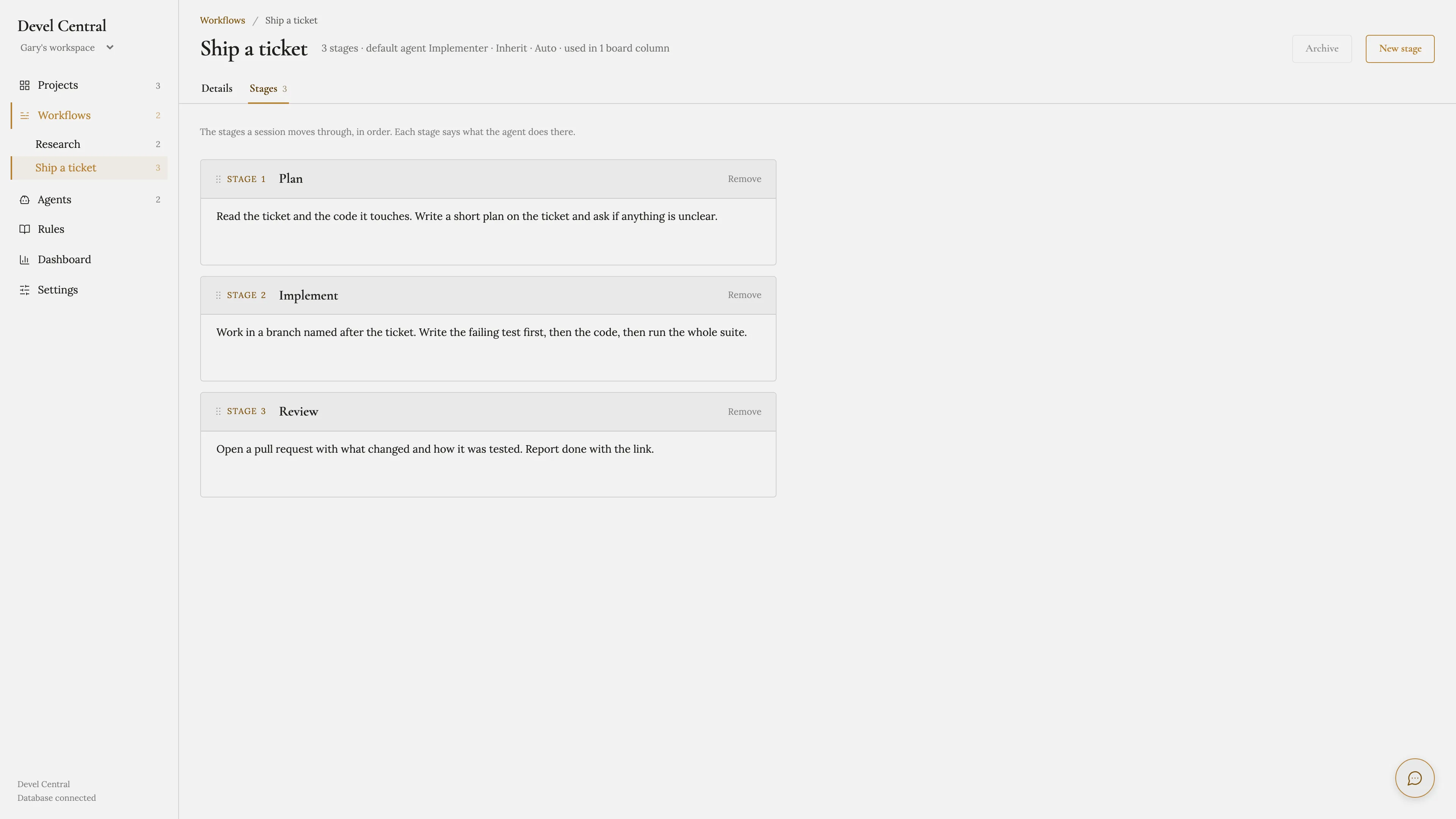
Give each column on your board a workflow, and each workflow the agent that runs it. Write the stages and your preferences in plain words, the way you would brief a colleague, and every ticket dropped there is worked exactly that way.
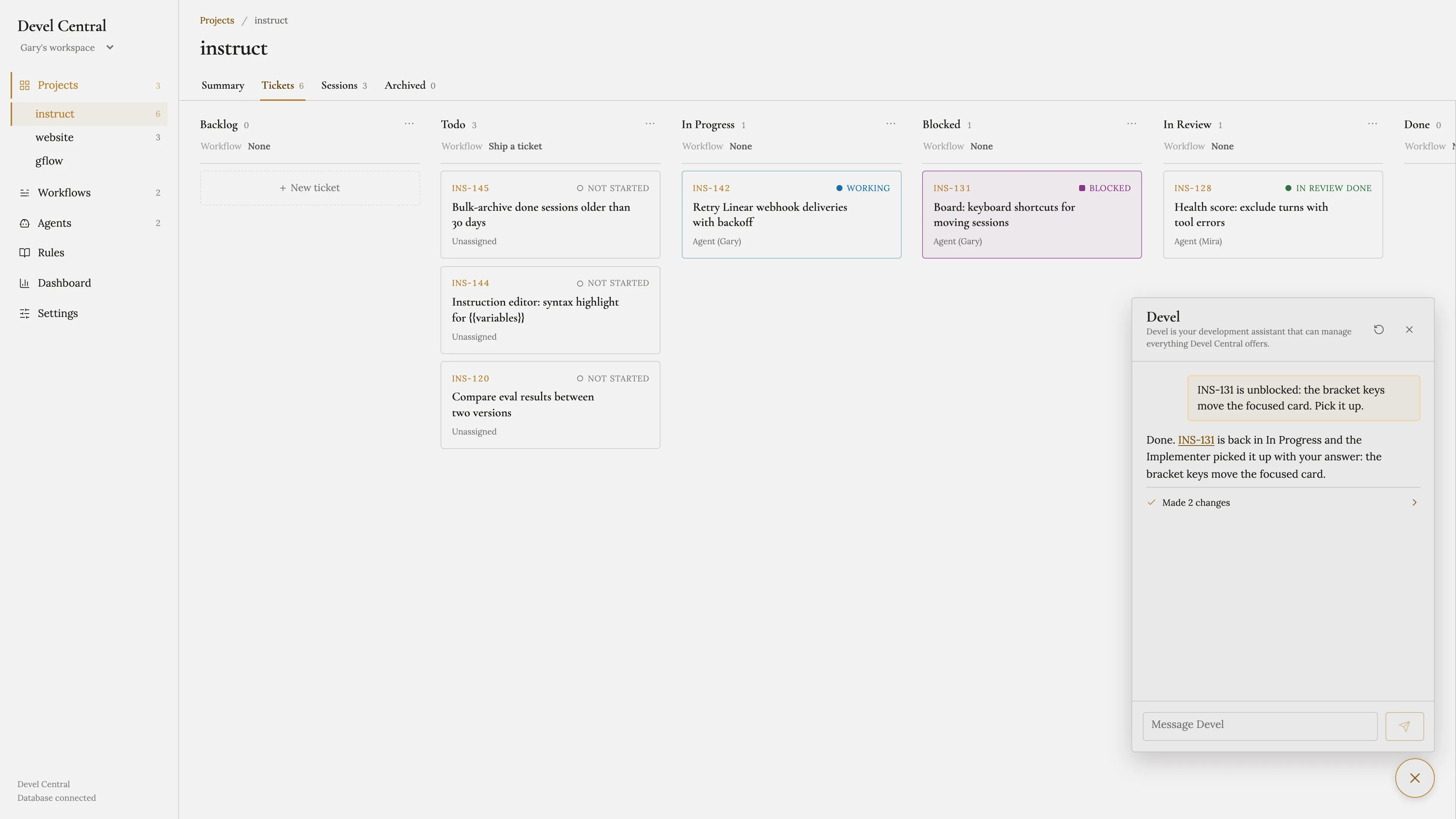
Devel, an assistant that can do anything you can
Ask Devel to help you design and build your workflows, or hand it the product work: describe an idea and it breaks it down into tickets ready for your board. Anything you can do in Devel Central, Devel can do too.
Download Devel Central
The desktop app for Mac and Linux. Devel Central is invite-only for now: sign in with the address your invitation went to.
Which Mac? Open Apple menu > About This Mac. A Chip line (Apple M1 or later) means Apple Silicon; a Processor line naming Intel means Intel.
On Ubuntu, install it from a terminal in the folder you downloaded it to: sudo apt install ./DevelCentral-*-amd64.deb
No invitation yet? Request one.